Get started
SlothSign ships as three tools. Pick the ones you need — the extension connects DApps to your signers, while keys stay with the CLI, an offline phone, or a Trezor. No accounts, no cloud sync, no RPC to configure.
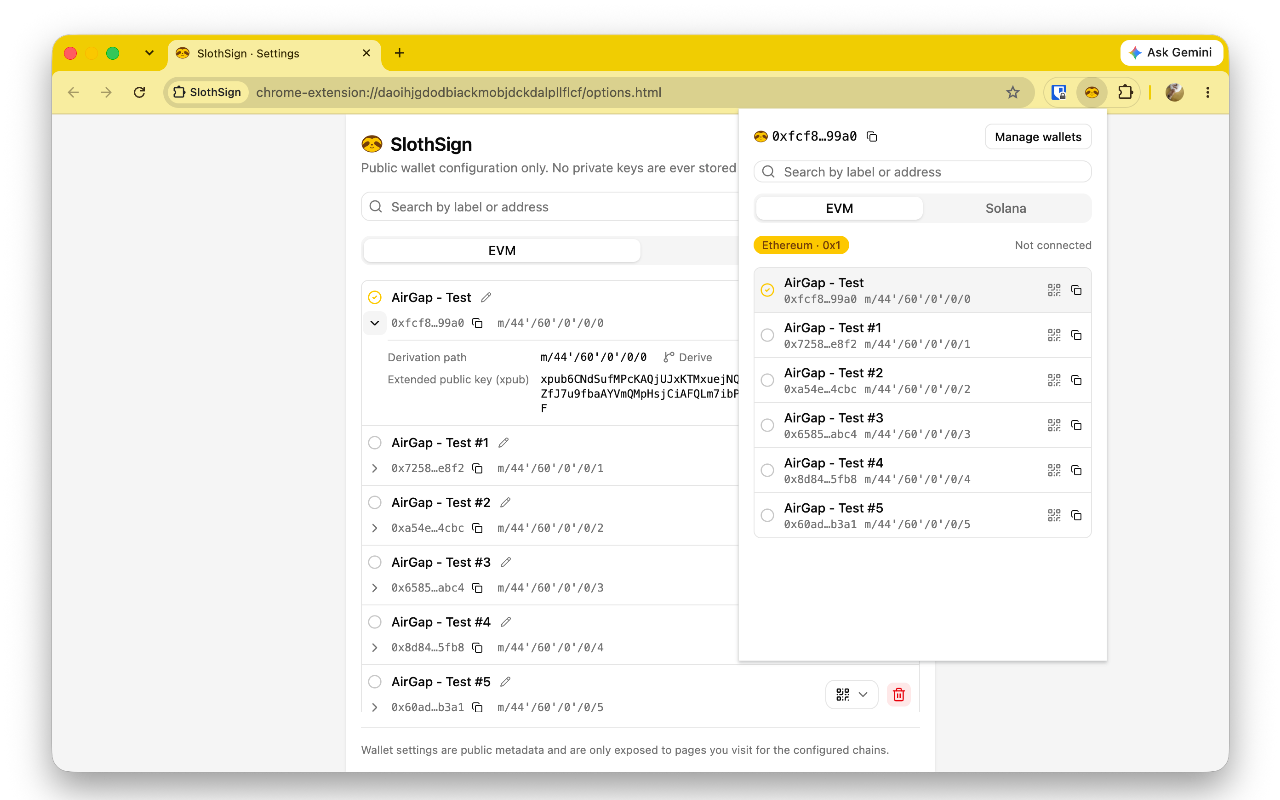
Web Extension
Transport and signer provider for Chrome and other Chromium browsers.
- Exposes an EVM provider (EIP-1193 / EIP-6963) and a Solana wallet (wallet-standard) to DApps.
- Decodes signing requests into human-readable intent.
- Never holds private keys — no balances, no broadcasting.
Install from the Chrome Web Store
Start with watch-only — you can add a signing device any time.
CLI
sloth sign <payload> — a local, offline signer for automated use.- Compiled with Bun — runs natively and cross-platform.
- Keys and mnemonics secured via macOS Keychain or age — never written to disk in plaintext.
- Signs requests passed as text only — no network connections.
curl -fsSL https://raw.githubusercontent.com/slothsign/slothsign/main/scripts/install-cli.sh | shApp
PlannedAn offline phone signer that pairs with the extension over animated QR.
- Stores keys in local secure storage — fully offline.
- Scans requests, renders the intent, asks for confirmation.
- Returns the signature as a QR back to the extension.